

Introduction
AI home energy management system deployments are changing how households control energy use, automate devices, and cut utility costs—but major pitfalls and unresolved integration challenges still hold back mass adoption. If you are a homeowner considering AI-powered energy optimization, here is what you need to know to realistically save money and frustration in 2024.
Key Takeaways
- AI home energy management systems can deliver up to 25% household energy savings, but real-world results depend on your devices, tariffs, and setup.
- Obstacles include high upfront retrofit costs, integration headaches with older appliances, and ongoing trust concerns around giving AI automated control.
- Cost breakdowns, clear carbon reduction data, and user complaint transparency are often missing—do not expect everything to be seamless yet.
- The Core Concept of AI Home Energy Management Systems
- Step-by-Step Guide: Setting Up Your AI Home Energy Management System
- Advanced Analysis & Common Pitfalls
- Conclusion
- FAQ
The Core Concept of AI Home Energy Management Systems
AI home energy management systems (HEMS) use artificial intelligence to monitor, predict, and control your home’s power usage in near real-time. By automating energy-hungry devices—such as EV charging, solar inverters, and water heaters—these smart energy platforms learn your consumption habits, analyze tariffs, and shift loads to maximize savings and efficiency. The main value: lower bills, less waste, and a smoother path to integrating renewables and electrified transport options in both new and existing homes.

Unlike traditional energy monitors that only display consumption, AI HEMS combine machine learning, deep analytics, and real-time weather data to actively forecast demand and align appliance control with off-peak tariffs and solar generation. For example, Schneider Electric simulations found 16% savings in France and up to 25% in Australia when homes used AI to coordinate energy loads around solar output and dynamic pricing. Smart control means you are not just monitoring waste, but actually preventing it as often as possible.
Adoption is accelerating, but research still reveals three major roadblocks: difficulty integrating with older appliances and wiring, unclear carbon impact data for typical households post-adoption, and a lack of real-world transparency about user frustrations and technical failures (see our guide to common smart home energy problems).
Step-by-Step Guide: Setting Up Your AI Home Energy Management System
Want to install an AI home energy management system? Follow these actionable steps to get realistic cost savings and the best chance at a smooth rollout:
- Audit your home’s energy landscape. List out all major loads: HVAC, water heating, EV charging, and any existing solar. Prioritize energy hogs and note which devices have smart or remote-control capability.
- Assess infrastructure and compatibility. Check your electrical panel’s spare capacity, Wi-Fi/IOT strength, and whether legacy appliances can connect to smart hubs. If most devices are older, expect extra costs for smart plugs or professional retrofitting.
- Select your AI HEMS platform. Look for systems with predictive analytics, device self-learning, and good user feedback. Compare top home energy management features and device support. Wiser Home AI from Schneider Electric is one leader; others may fit better based on your existing setup and country-support.
- Install and pair compatible devices. Mount sensors/meters, connect smart plugs with energy monitoring, or link direct control modules for appliances (especially those not inherently “smart”). Most platforms guide you through pairing via app or web dashboard.
- Configure automation and override settings. Set your comfort and safety boundaries in the AI dashboard. For example, set minimum hot water levels or cooling setpoints so AI can’t dip below your needs. Always enable instant manual override (see tips below).
- Connect billing and tariff data. Upload your rate plan or use automatic sync if your provider supports it. Many systems adjust operation based on real-time dynamic pricing for bonus savings.
- Monitor, review, and iterate. Track weekly energy performance and compare it to previous bills. If you notice odd activity or comfort impacts, fine-tune override or explainability settings until satisfied.
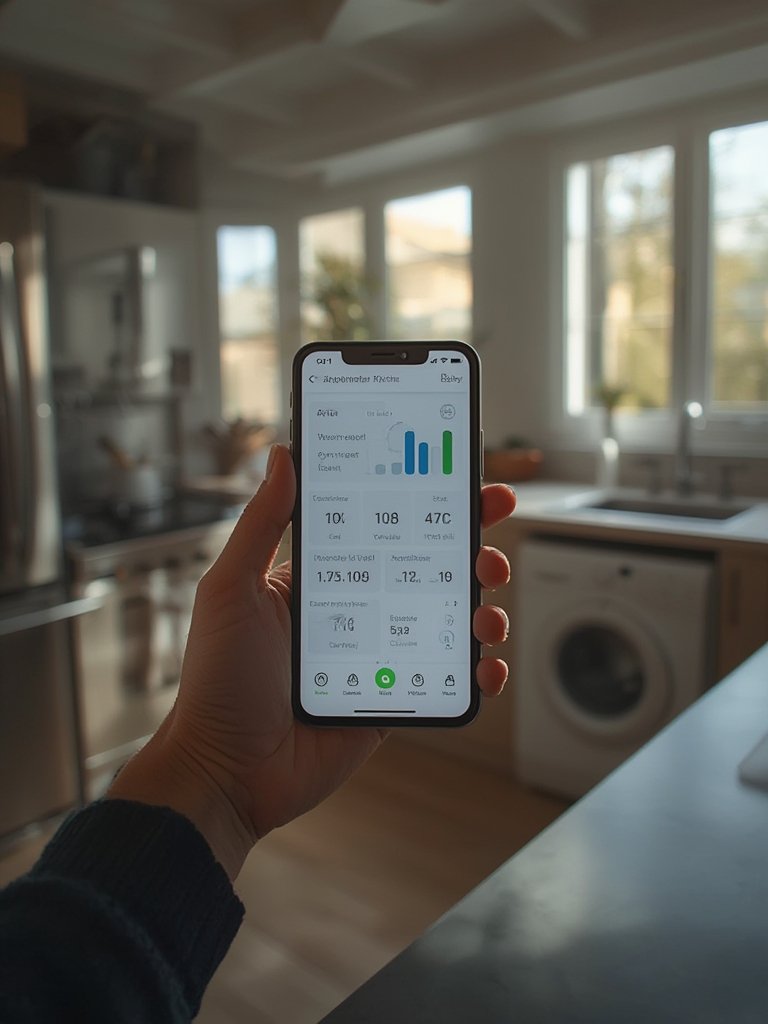
Looking for more step-by-step installation examples? Explore our detailed AI energy setup guide and learn how to wire smart sensors safely. Also see how to optimize savings during hot weather in our article on smart cooling with AI.
Advanced Analysis & Common Pitfalls
AI home energy management systems promise major efficiency and cost reductions, but users face several traps on the path to smart automation. Here’s what recent studies and user feedback reveal, as well as how leading solutions differ:
Most Common User Complaints
- 44% of consumers hesitate to trust AI with household control. Many want explicit discoverability and easy override switches.
- High upfront cost remains a barrier: There are few subsidies for retrofitting older homes, where sensors and IoT readiness may be lacking.
- Frustration with system “black box” decisions: Users want more transparent reasoning for AI-adjusted schedules (and hate wasting time reading unhelpful dashboards).
- Carbon reduction benefits are typically promised, but not backed up with household-specific real-world data.
- Reliability issues in user reviews: Missed signals, device drops, and automation errors crop up, especially after firmware updates or Wi-Fi problems.
Technical Feature Comparison
| AI HEMS Feature | Schneider Wiser Home AI | Typical Competitor/Generic Platform |
|---|---|---|
| Predictive Analytics | Advanced (includes weather & historical solar forecasting) | Basic to Moderate |
| Device Support | Solar panels, EV chargers, water heaters (space heat/cool coming soon) | Mainly smart thermostats, plugs, some EV and appliances |
| Automation Capabilities | Self-learning, load balancing, real-time optimization | Mostly rules-based, manual adjustment needed |
| User Control/Overrides | Manual override and dashboard explainability | Sometimes limited override or transparency |
| Cloud vs Local Decision | Hybrid (local + cloud AI) | Mainly cloud |
| Integration with Legacy Devices | Challenging—not plug-and-play for older appliances | Often requires third-party smart plugs or physical retrofitting |
| Real-World Savings (2024) | 16% (France), 25% (Australia) via simulations | Claims vary, often lack peer-reviewed backing |
Key Pitfalls to Avoid
- Underestimating legacy integration: If your home or appliances are not pre-wired or IoT-ready, expect additional hardware and labor to avoid device “blind spots”.
- Assuming all carbon savings are documented: Current systems rarely track or prove true household-level GHG reductions, especially after considering the power mix of your grid.
- Expecting flawless automation: Even industry leaders encounter system bugs, Wi-Fi drops, or poor explainability. Always verify override accessibility before handing over full control.
- Ignoring tariff structure: Households on static rates may see middling reductions; best savings occur with time-of-use/dynamic pricing and flexible loads.
- Skipping manual audit: Without cataloging energy hogs, you could miss out on significant optimization opportunities or end up only automating low-impact devices.
For further analysis, see our breakdown of best smart energy tools in 2024 and in-depth look at home electrical retrofits with AI.

Conclusion
The potential for smarter energy savings at home is real, but households must navigate patchy integration, unclear cost details, and persistent AI trust issues. Weigh your incentive options, choose platforms known for reliability, and always allow for manual override and visibility into how AI makes decisions. In short, an AI home energy management system can transform your energy usage—but only with careful planning and realistic expectations.
Ready to optimize your energy and cut your bills? Explore hands-on reviews in our Smart HEMS Honest Reviews archive or get a personalized assessment today.
FAQ
How much does an AI home energy management system cost to install?
There is no standard price in 2024—installation costs depend on your home’s size, device compatibility, and need for new sensors or electrical work. Expect higher costs for retrofitting older houses. Current market analysis puts the global sector over $5.8 billion, but actual per-household breakdowns are typically not published. Look for local subsidies to offset upfront expenses when possible.
Do I need to upgrade all my appliances for AI management to work?
No. You can start by connecting only your highest energy-consuming devices (e.g., water heater, HVAC, chargers) and use smart plugs for legacy equipment. However, the more devices you integrate, the greater your control and potential savings. Full upgrades are not required, but each missing device reduces the platform’s optimization power.
Are energy savings guaranteed with AI HEMS?
No system can guarantee exact savings. Simulations by Schneider Electric show up to 25% efficiency improvements in ideal settings, especially with dynamic tariffs and flexible loads. Results will depend on your actual usage patterns, device mix, and willingness to automate more energy-intensive appliances.
Can AI home energy management reduce my carbon footprint?
AI HEMS can help cut your carbon emissions by optimizing electricity use for lower grid impact and better integration of renewables like solar. However, there is no hard data yet quantifying the true post-adoption GHG reduction for individual households. Commercial building studies are more clear; for homes, the environmental promise is strong but metrics are still evolving.
What if the AI system makes a mistake or fails?
Manual override and fallback settings are essential. Most platforms allow temporary or permanent switching back to user control in the event of odd scheduling, device drops, or automation errors. Always verify post-installation that overrides work and alarms/push notifications are enabled for safety updates.