

Robotic lawn mower installation is transforming how homeowners maintain their lawns, but setup is not always as effortless as advertisements claim. Understanding the real pros, technical requirements, and frequent installation headaches will help you avoid frustration and get maximum value from your investment.
Key Takeaways
- The global robotic lawn mower market is expanding rapidly, but homeowners face setup and performance hurdles, especially with terrain and connectivity.
- Wire-free/GPS robotic mowers promise convenience but often struggle in shaded or obstructed yards, requiring careful planning before installation.
- Thorough user training, ongoing maintenance, and smart device integration are essentials often overlooked during installation.
- Understanding Robotic Lawn Mower Installation
- Step-by-Step Guide to Robotic Lawn Mower Installation
- Advanced Analysis & Common Pitfalls
- Conclusion
- FAQ
Understanding Robotic Lawn Mower Installation
Robotic lawn mower installation involves setting up an autonomous mower so it can safely and efficiently maintain your yard without manual intervention. These installations are growing in popularity worldwide, with innovations like GPS guidance and smart app controls pushing the industry toward an estimated 11.35% CAGR from 2023 to 2029. Whether you select a model requiring traditional boundary wire or an advanced wireless design, success depends on the compatibility of the mower with your yard’s layout, terrain, and connectivity.
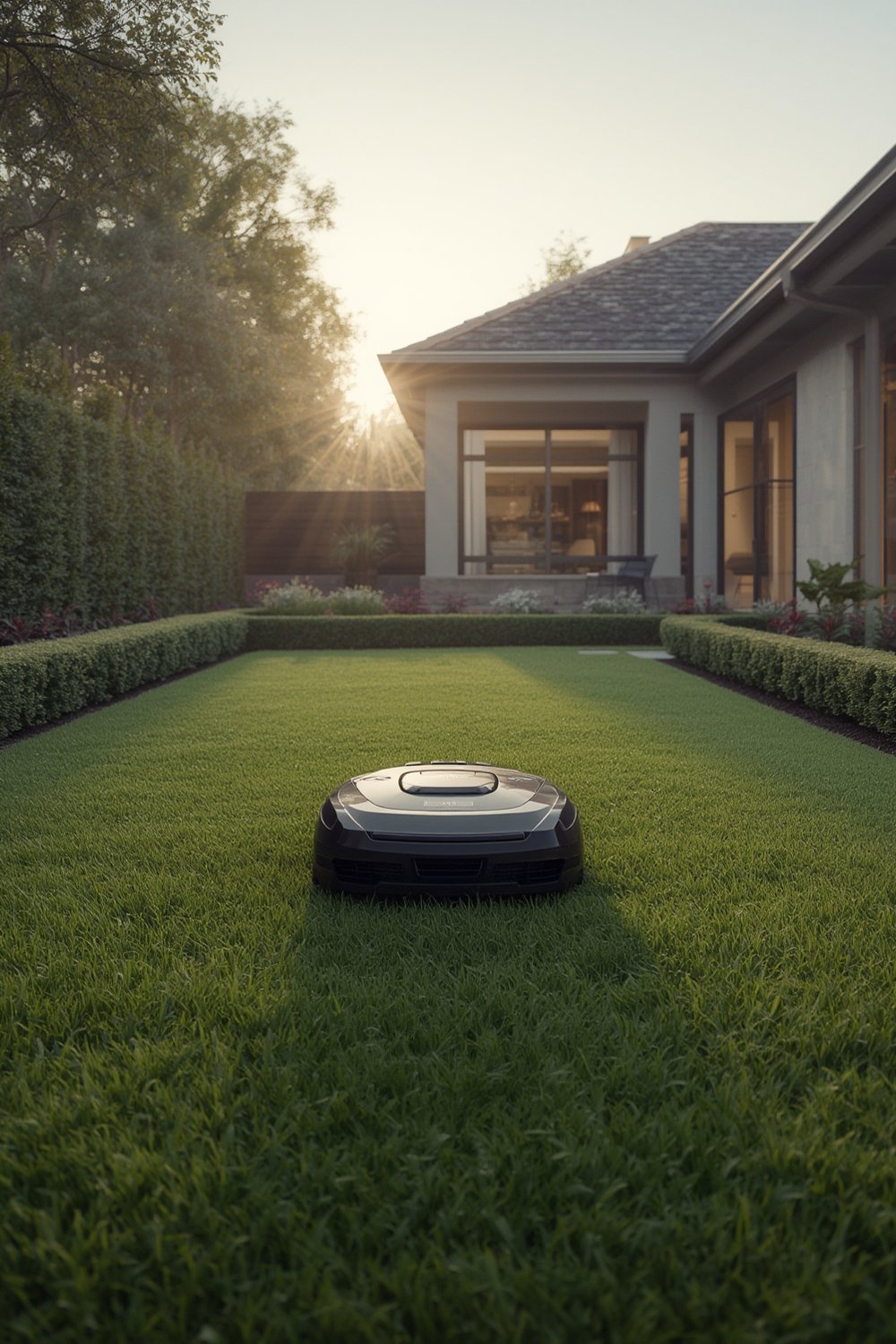
Modern robotic mowers are often marketed as “set-and-forget”, but realistic installation requires attention to technical requirements like slope handling, perimeter setup (via boundary wire or digital mapping), and reliable Wi-Fi or GPS signal access. For city dwellers, commercial property owners, and eco-conscious homeowners, the right setup dramatically reduces manual lawn care, saves time, and supports sustainability efforts. However, installation complexity varies greatly depending on lawn size, obstacles, and local climate.
Want to see how automated lawn care stacks up to alternatives? Check out our Robot Mowers vs. Traditional Mowers resource for an in-depth comparison.
Step-by-Step Guide to Robotic Lawn Mower Installation
Proper robotic lawn mower installation ensures smooth operation, optimizes cutting patterns, and prevents frustrating downtime. Follow these clearly defined steps to maximize your investment, whether you are handling DIY installation or hiring a pro.
-
Assess Your Lawn’s Needs:
- Measure square footage. Compact models handle up to 300 m²; large yards may need models rated for 5,000 m² or more.
- Identify steep slopes, narrow passages, and no-go zones (like flower beds or saplings).
-
Choose the Right Model:
- For small lawns with few obstacles, budget mowers work well.
- For complex or expansive properties, consider high-capacity, all-wheel drive models.
Compare options with our Robotic Lawn Mower Comparison Chart.
-
Prepare and Install Boundaries:
-
Wired Models:
- Lay boundary wire either with stakes (shallow DIY) or bury 7-10 cm deep for durability (pro recommended).
- Test the perimeter to confirm the mower recognizes the boundary.
-
Wire-Free/GPS Models:
- Use the app to map serviceable areas; avoid shaded zones or interruptions caused by nearby tall structures.
- Test digital boundaries before first full mow.
-
Wired Models:
-
Configure the Charging Station:
- Place the dock in a flat, open area with access to electricity.
- Avoid placing charging stations near competing Wi-Fi or in heavy shade for wire-free options.
-
Connect to Wi-Fi or Pair with App:
- For advanced models, follow on-screen prompts to connect your device and customize mowing schedules.
- Some models support smart home integration, but ensure your network covers the entire mowing area.
-
Test the System and Adjust:
- Observe the first mow to watch for boundary errors, navigational glitches, and signal interference.
- Adjust cutting height and no-go zones as needed via the app or control panel.
-
Monitor Regularly:
- Check for wire exposure, clean sensors, and schedule blade sharpening monthly during mowing season.
- Update firmware/software to catch the latest improvements or bug fixes.
Explore Robotic Mower Maintenance Guide for a detailed upkeep checklist.

If you’re curious how much you might expect to pay for installation, boundaries, and regular maintenance, see our up-to-date Robotic Mower Costs 2024 breakdown.
Advanced Analysis & Common Pitfalls
Despite the surge in global adoption, robotic lawn mower installation is not always smooth. Homeowners encounter several recurring pain points that can impact performance and satisfaction, especially when transitioning from traditional wired systems to GPS-guided models.
Most Common Installation & Usage Pitfalls
- Shallow Boundary Wire: For wired models, boundary wires laid too close to the surface can be covered by grass or damaged by trimmers and wildlife.
- Signal Interference: GPS and RTK-enabled devices may struggle in areas shaded by trees, large bushes, or adjacent buildings, causing loss of navigation and uneven mowing.
- Poor Navigation: Errors with sensors or digital boundaries can make the robot miss areas, get stuck, or repetitively cover the same spot.
- Obstacle & Slope Management: Mowers on terrain with slopes over 30 degrees, narrow gates, steps, or multiple zones often require manual intervention.
- Connectivity Failures: Wi-Fi dead zones or unreliable app connections delay updates and reduce remote control reliability.
- Maintenance Blind Spots: Most users overlook routine sensor cleaning, blade checks, and battery lifecycle monitoring until the mower fails—or the warranty lapses.
- Lack of User Training: Many manuals skip over essential troubleshooting, app setup basics, or integration tips with voice assistants and other smart devices.
Consider the location-specific Robotic Mower Installation Service if your lawn is especially complex.
Installation & Maintenance Comparison
| Feature | Boundary-Wire Models | Wire-Free/GPS Models |
|---|---|---|
| Initial Setup | Manual boundary wire layout (surface or buried)—time-consuming, possible DIY or pro-required | App-based digital mapping—quick for open lawns, complex if obstacles or shade exist |
| Common Issues | Wire breaks, exposure, or coverage by grass over time | Signal loss, unreliable navigation in shaded/urban spots |
| Terrain Handling | Cannot cross wires, may struggle with steep slopes or stairs | More advanced (RTK/camera), but still limited by severe obstacles and visibility |
| Maintenance | Regular wire checks, basic sensor/blade/battery care | Frequent software updates, some tech troubleshooting, less manual intervention for simple lawns |
| Cost | Lower upfront, pro install adds cost, replacement wires as needed | Higher initial purchase, pro install seldom required unless mapping is difficult |
Warranty & Support Limitations
Warranty and support terms for professional installation are vague among most leading brands. A focus on DIY support resources is common, but policies on hardware malfunctions directly linked to improper installation are rarely detailed. Before purchase, always clarify these terms with your retailer or manufacturer.
For an updated look at warranty options and how they can protect your investment, refer to our Robotic Mower Warranty Guide.
Conclusion
Robotic lawn mower installation offers true convenience and a path to a consistently tidy lawn. However, navigating the real-world challenges of boundary setting, connectivity, slope adaptation, and ongoing tech maintenance is critical. Investing time in user training and following a clear step-by-step guide will prevent most headaches. Before buying, always weigh boundary type, property obstacles, and your willingness to tackle ongoing maintenance. With the right approach, robotic lawn mower installation will deliver on its promise—effortless lawn care with more free time for you.
Ready to upgrade your lawn? Explore our latest expert reviews, FAQ, and smart home integration tips for robotic mowers before you buy.
FAQ
Can I install a robotic lawn mower myself, or do I need a professional?
Many basic models are designed for DIY installation, especially with surface-laid boundary wires or digital setup. For larger, complex lawns or models requiring buried boundary wires, hiring a professional is recommended for reliability and warranty protection.
How do I avoid my robotic mower missing parts of the lawn?
Ensure boundaries are mapped correctly and free of obstructions. For wire-free models, double-check that trees or buildings do not block GPS signals. Run a supervised test mow after installation and adjust any missed zones using the app or manual controls.
Are wire-free/GPS robotic lawn mowers worth the higher price?
They offer quick setup and more flexible boundary mapping but are vulnerable to signal issues in shaded or urban yards. For open, unobstructed spaces, they can offer excellent value and performance.
What maintenance is needed after installation?
Check blades monthly, clean sensors, clear debris from the wheels, and inspect wires (for wired models). Keep firmware updated for GPS and app-connected mowers. Schedule annual battery capacity checks for long-term performance.
Can robotic mowers be integrated with my smart home system?
Many models now support Wi-Fi and app connectivity but integration with voice assistants or home automation varies. Check compatibility before purchase. For more, read our guide to smart home integration with robotic mowers.