

Home energy monitor adoption can help households cut energy waste, reveal unexpected electric hogs, and reduce bills—when you choose and install the right solution. But which device, features, and costs actually make a difference? This guide explains what a home energy monitor is, why it matters, and how to get real results while avoiding hidden pitfalls.
Key Takeaways
- Home energy monitors can deliver 2.2–20% electricity savings, with modern devices costing $100–$330 and most requiring no monthly fees.
- Smart apps with real time monitoring, appliance alerts, and cost tracking help identify waste and shift habits—key to lower bills.
- Professional installation is often needed for whole house or circuit-level systems, and some import costs, internet reliance, and panel compatibility questions are easy to overlook.
- What is a Home Energy Monitor and Why Should You Care?
- Step-by-Step: How to Choose and Install the Right Monitor
- Advanced Analysis & Common Pitfalls
- Conclusion: Is a Home Energy Monitor Worth It?
- FAQ
What is a Home Energy Monitor and Why Should You Care?
A home energy monitor is a real time meter that connects to your electrical panel or specific circuits, reporting how much power you use, what it costs, and often which appliances are using the most electricity. Unlike smart plugs or simple utility bills, these monitors give live and historical data to help you see exactly where your money is going—and give you tools to cut waste fast.
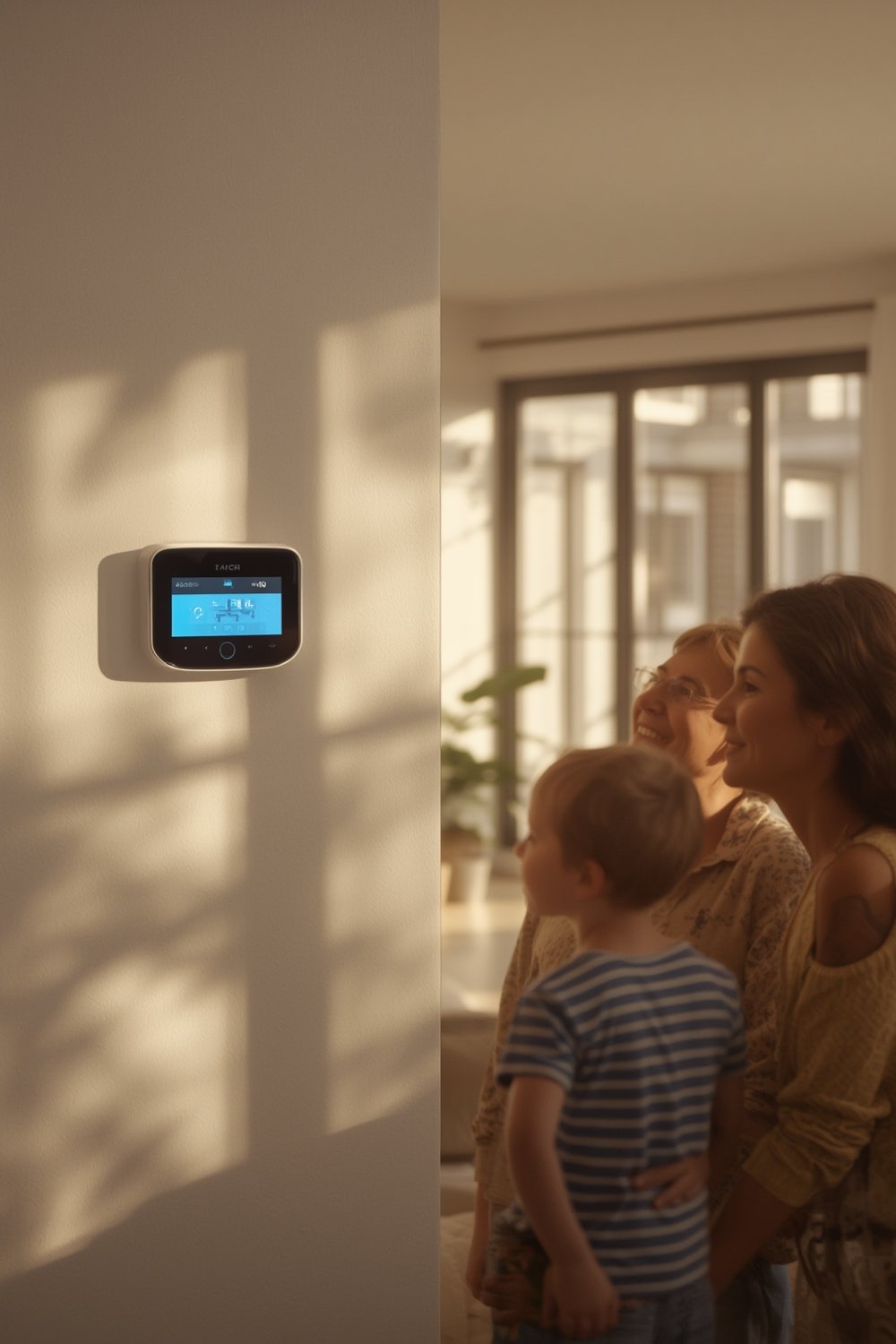
Instead of guessing which appliances are running, or waiting for a shocker bill, a home energy monitor lets you pinpoint specific habits or devices that drive up costs. Modern apps offer features like:
- Real time usage tracking and live cost feedback
- Alerts for left-on appliances or sudden spikes
- Bill prediction tools and usage budgets
- Appliance-level identification (in premium models)
Several smart home upgrades can save you money, but a home energy monitor is unique because it focuses on revealing your home’s overlooked inefficiencies—with direct, actionable data.
You’ll find two main types:
- Basic whole-home monitors—track total usage via main breaker clamp, some models DIY
- Circuit-level/circuit-by-circuit monitors—feature additional sensors to track, alert, and analyze usage for each zone or appliance (best for big homes or those with solar)
The bottom line: If you want a fast, data-driven path to lower electric bills, a home energy monitor is no longer an experimental gadget—it’s a proven tool.
Step-by-Step: How to Choose and Install the Right Monitor
Ready to add a home energy monitor and start saving? Here’s a no-nonsense process based on verified research and real user experiences.
- Match your goals and budget: Decide if you want basic whole-house data (cheaper, easier install) or precise circuit-level tracking (more control, higher cost).
- Compare devices and app features: Study top models:
- Emporia Vue—$100 for basic, up to $200 for 16-circuit version. Outstanding app, budget-friendly. Needs pro install for circuit-level.
- AI-powered with appliance detection—$300, AI-powered with appliance detection. Pro install only. Switched to Schneider Wiser software in 2024.
- Eyedro—$117–$150, DIY install option, web portal. Lacks AI features but easy and solar-ready.
- Smappee—$240–$385, strong for energy budgeting and emission tracking, high price, generally pro install.
View side-by-side comparison of the best home energy monitors for 2024.
- Read up on requirements: Know your panel type, check WiFi/ethernet coverage, and verify any compatibility needs for solar or net metering.
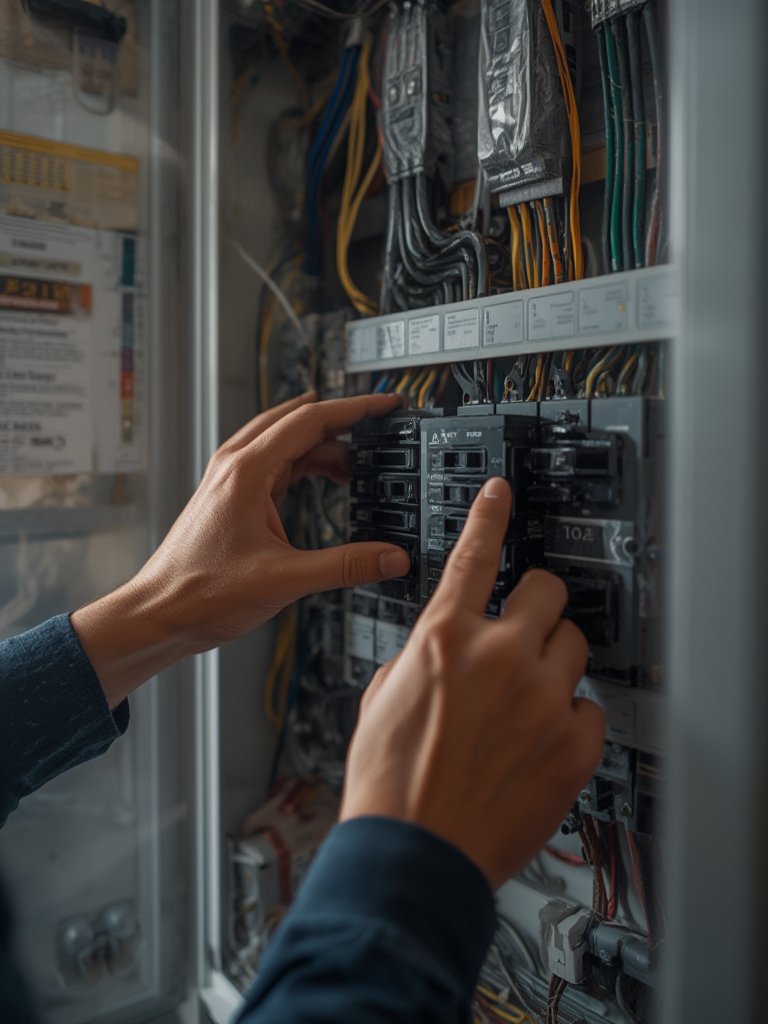
- Decide on DIY or professional install: DIY is suitable for simple add-on displays (Eyedro), but most advanced (Emporia Vue circuits, Sense, Schneider) require a licensed electrician for safety and warranty.
- Install the hardware safely: If DIY, always shut off main breaker and follow device guidance. Otherwise, book certified installation—this adds $75–$200 depending on your location.
- Connect and calibrate the app: Download and connect the device’s app (Emporia, Wiser, Eyedro) for setup. Review live data, set alerts, and integrate if needed with other smart devices (e.g., connect ecobee to Alexa).
- Monitor, act, and save: Use real time alerts, compare month-to-month stats, and experiment with turning off suspected “vampire” devices to track results instantly.
If you’re considering advanced setups, review our guide on solar panel installation and check if your chosen monitor integrates with your energy system and time-of-use rates for maximum benefits.
Finally, if opting for cloud or subscription-based monitoring, search for details on long-term data storage, possible app shifts, or fees—some competitor articles never address these sneaky gotchas.
Advanced Analysis & Common Pitfalls
Even the best home energy monitors and apps aren’t magic. Users report measurable gains—but also run into avoidable downsides. Here’s what research and real users say you need to know.
- Live data’s only as good as your action: Apps like Emporia, Sense, and Schneider Wiser provide powerful alerts and stats, but ignoring them or lacking clear goals limits your impact.
- Internet reliance: Cloud-based systems like Emporia Vue and most smart monitors require a stable connection for data and alerts. Internet outages can temporarily block access to real time stats or history.
- Installation headaches: Pro install adds to upfront cost, especially if you choose whole-house or circuit-level sensors. Costs in 2024 vary, typically $75–$200 extra for electrician labor (sometimes bundled in high-end systems).
- Compatibility questions: Even top sources like EnergySage don’t always confirm panel type or breaker compatibility, particularly for circuit-level clamps. Before purchase, confirm that your panel fits the needed sensors or hire a pro to verify.
- Hidden or “surprise” costs: Monthly fees are rare, but pro install can surprise buyers of Emporia Vue and similar models. App transitions (Sense to Schneider Wiser in 2024) may add future costs or learning curves.
- Data limitations: Cloud storage period, local data retention, or export options may not be clear—important if you want to monitor long-term trends or compare seasonal data over years.
| Device/Brand | Cost (USD, 2024) | DIY or Pro Install? | Key App Features | Hidden Costs |
|---|---|---|---|---|
| Emporia Vue (gen 2) | $100 (basic) – $200 (16 circuit) | Mostly pro install | Alerts, real time tracking, circuit insights | Pro install fee |
| Sense | $300+ | Pro install only | AI appliance detection, integrations | App shift (to Wiser), install fee |
| Eyedro | $117 – $150 | DIY | Web dashboard, basic alerts, solar support | No AI detection |
| Smappee | $240–$385 | Pro install (most setups) | Budgeting, alerts, emissions/app integration | High upfront price |
Documented savings vary, but average households can expect 2.2–20% reduction in electric bills, with best results for those who actively use app features and set actionable goals. For a deeper look at real-world results, check data from HomeWizard and Grus (typical Dutch homes see €172+ in yearly savings and 2.2% less use).
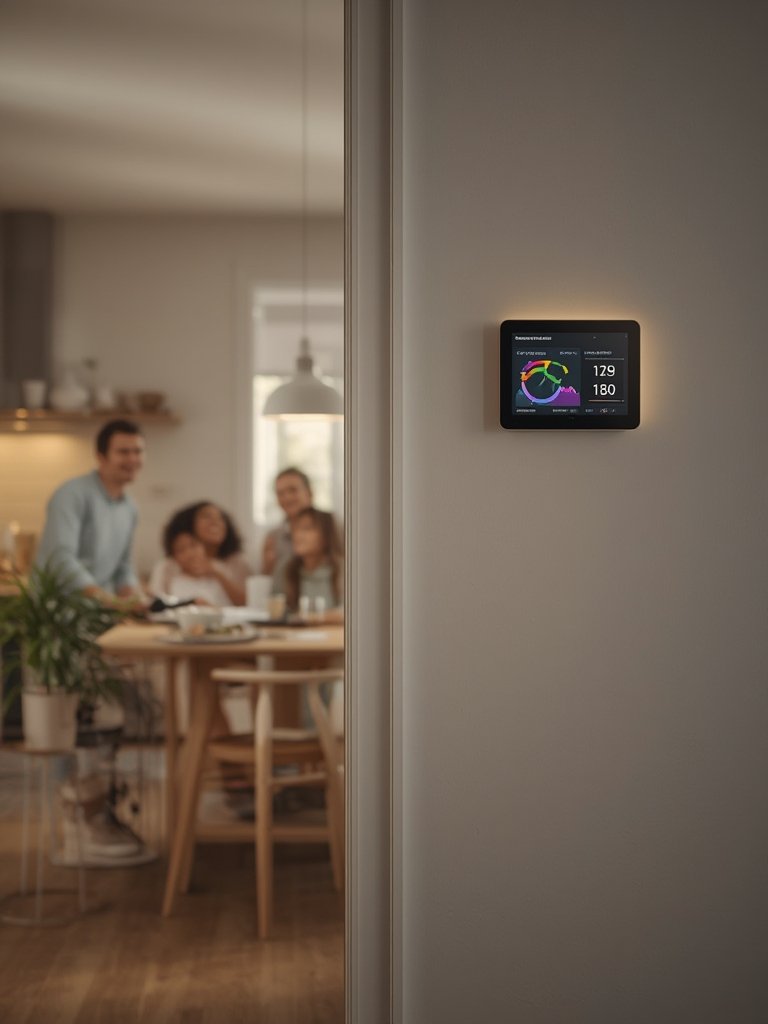
Missing information about subscription fees, internet requirements, or panel compatibility can lead to wasted money. That’s why thorough research—like exploring the best Powerwall alternatives—is critical before you buy.
In summary, the main pitfalls are:
- Underestimating installation costs
- Assuming compatibility without checking your setup
- Relying on data you may lose during internet outages or app changes
- Expecting savings without adjusting your habits
Conclusion: Is a Home Energy Monitor Worth It?
If you want to control electricity costs and reduce wasted power, a home energy monitor is one of the smartest and most affordable ways to get actionable data—especially with savings averaging 2.2–20% per year for active users. Most popular models are under $330 and rarely require subscriptions, but hidden install costs and occasional panel quirks mean it pays to research before you install.
Ready to cut your utility bill? Review your panel, pick the right model with the features that matter, and use your new home energy monitor to track, act, and save. Don’t just pay your bill—understand and control it.
Contact us for a consultation, or continue exploring energy efficiency upgrades and savings guides on our blog!
FAQ
How much does a home energy monitor cost (including installation)?
Most home energy monitors range from $100–$330 for the device, with professional installation (when needed) adding $75–$200. DIY monitors are cheaper to install but may offer fewer advanced features.
Do these monitors really reduce your electric bill?
Verified results show households save 2.2–20% on average per year, especially when users take action based on live tracking and appliance alerts.
Will a home energy monitor work with solar panels or net metering?
Many modern monitors—including Emporia Vue and Eyedro—support solar. Always check the specs for solar compatibility before purchase.
Is there a monthly fee for a home energy monitor?
Most current models (Emporia, Eyedro, Smappee, Sense) require no monthly subscription, but professional installation and rare software/app transitions may add one-time or future costs.
Can I install a home energy monitor myself?
DIY models like Eyedro can be installed by the homeowner, but most advanced monitors (whole-house or circuit sensors) require pro install for code compliance and safety.
—