

Home energy monitor technology is changing the way homeowners track and control electricity use. Instead of guessing where the energy bill is coming from, these devices deliver real-time data so you can spot leaks, cut waste, and save money. But picking and installing one isn’t always straightforward, and most guides skip over common problems and what to really expect. This article gets straight to the practical details—including costs, ease of use, pitfalls, and hacks for getting the most accurate data fast.
Key Takeaways
- Home energy monitors typically cost between $100 and $330, with both DIY-friendly and professional-install models available.
- Devices like Emporia Vue and Sense offer circuit-level tracking and can integrate with smart home systems, but installation safety and app reliability vary widely.
- Users should weigh installation complexity, app accuracy, compatibility, and actual energy savings before choosing a solution.
- What is a Home Energy Monitor and Why Should You Care?
- How to Choose and Set Up a Home Energy Monitor: Step-by-Step
- Advanced Insights and Common Pitfalls
- Conclusion
- FAQ
What is a Home Energy Monitor and Why Should You Care?
A home energy monitor is a device that tracks how much electricity your home is using moment by moment, down to individual appliances in some cases. By displaying data via a mobile app or web dashboard, it helps you see which devices are driving up the bill and when spikes happen.
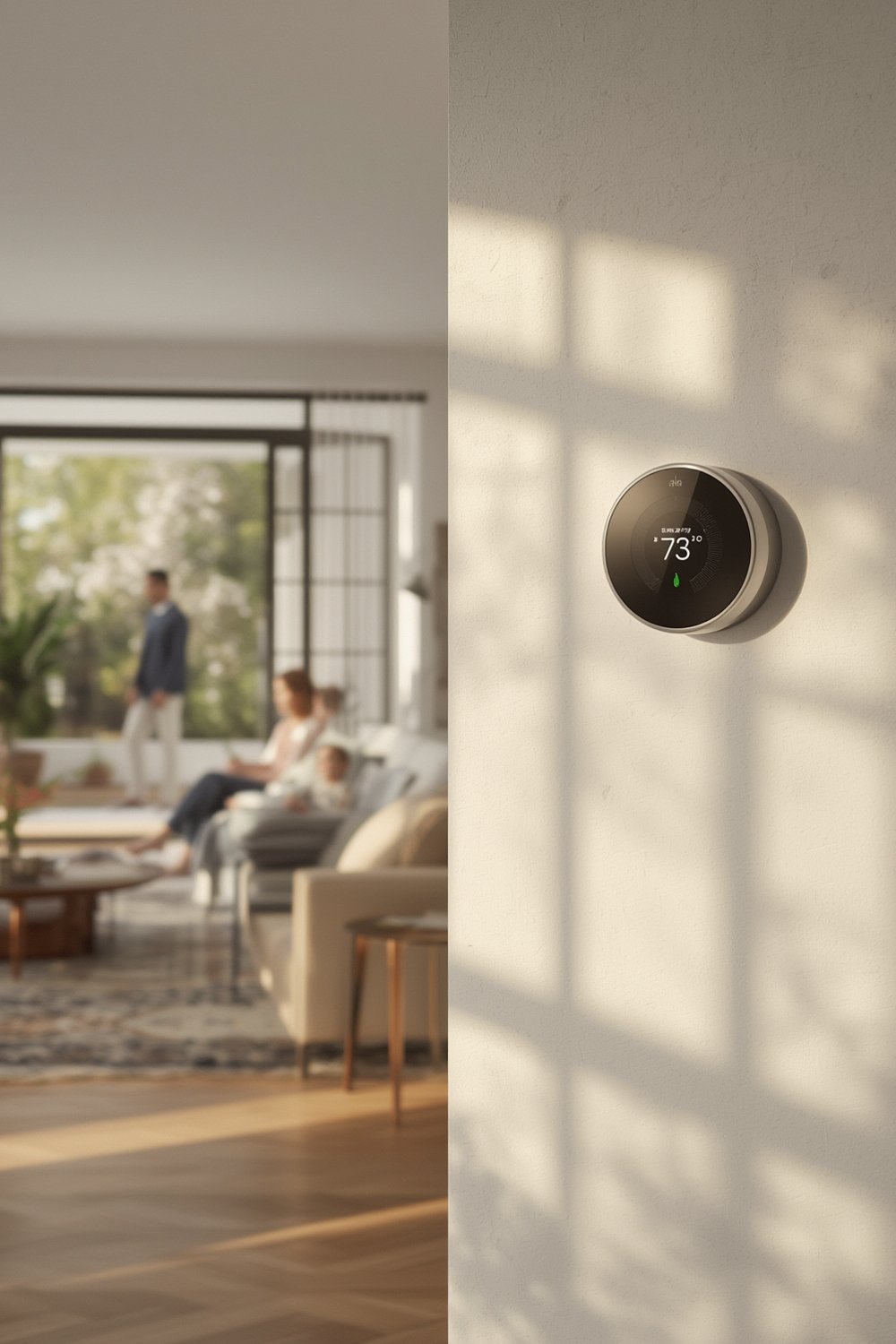
Why does this matter? Consider this: wasted energy often comes from invisible sources. HVAC left running, a faulty fridge, or odd surges at midnight can silently drain your wallet. With a home energy monitor, you get not just numbers, but clear patterns and notifications. Some users report slashing energy bills simply by detecting and unplugging unnoticed power hogs.
Top options like Sense or Emporia Vue break down usage per circuit and can push alerts if, for example, a water heater is left on. This immediate feedback is far more actionable than waiting for a monthly bill.
Want to know how device-level tracking compares to plug-level meters? See our energy monitoring vs smart plugs comparison for a deep dive.
How to Choose and Set Up a Home Energy Monitor: Step-by-Step
Choosing a home energy monitor is about fit, safety, and features—not just price. Here’s a realistic guide to selecting and installing yours.
Step 1: Set Your Monitoring Goals
Decide if you want whole-house monitoring, appliance-level tracking, or just a general snapshot. All-in-one systems like Sense or Emporia Vue monitor your entire panel and optionally add sensors for key circuits. Plug-in smart plugs work for tracking a single device, but you’ll miss hidden loads on hardwired circuits.
Step 2: Compare Device Specs and Features
Look at these specs:
- Number of monitored circuits: Emporia Vue supports up to 16 circuits with expansion kits. Sense focuses on automatic device detection across the whole home.
- Data refresh rate: Some models update every few seconds, others may lag by several minutes.
- App integration and alerts: Check for features like custom notifications, data export, and compatibility with platforms like Alexa or Google Home.
- Electrical panel compatibility: Not all devices support 3-phase, split-phase, or older panel types. Consult manufacturer guides or our panel compatibility checklist before you buy.
Step 3: Calculate Budget—Hardware, Installation, and Upkeep
Monitors range from $100 (Emporia Vue basic) to $300 (Sense), with India-based options sometimes as low as $60. But that’s just hardware. Installation by a licensed electrician may add $100–$350, depending on local rates and complexity (source: EnergySage).
Ask your utility or local government about rebates for energy monitors. Sometimes they’ll cover part of the cost, especially if you enroll in energy efficiency programs.
Don’t forget app fees: Most top monitors offer basic functions free for life, but detailed analytics and data exporting may require a subscription.
Step 4: Installation
- DIY: Plug-in models or ones with clamp-on sensors (like Eyedro) can be installed without opening the main electrical panel. Read our DIY home energy monitor installation tips for safety basics.
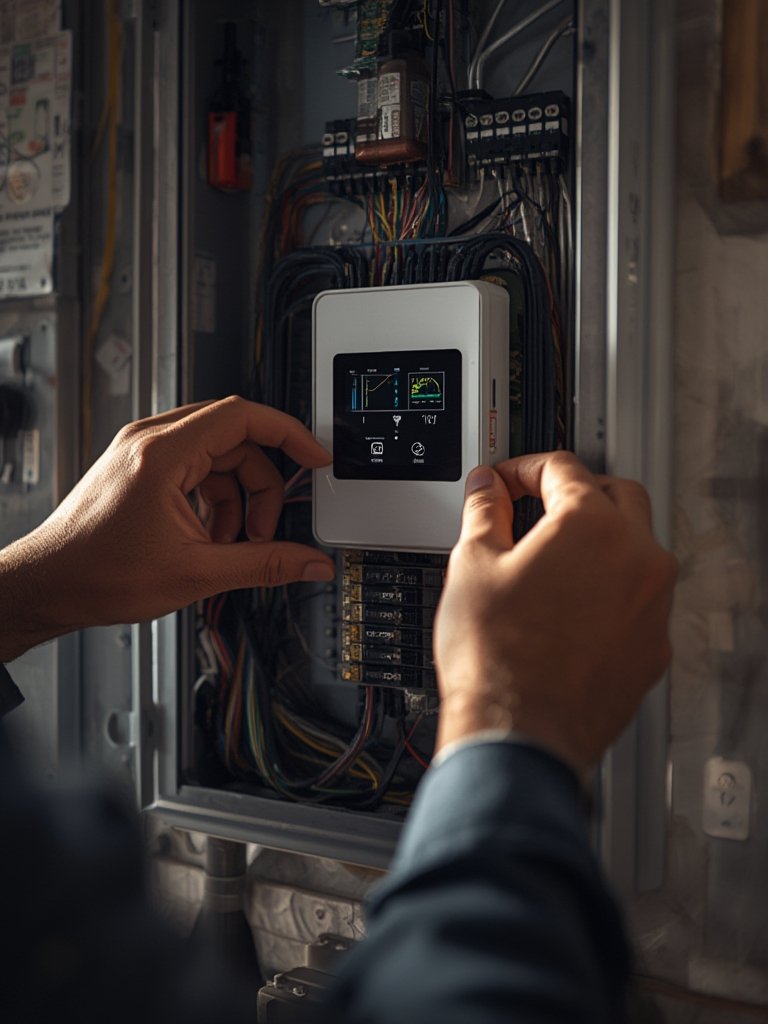
- Professional Install: Most whole-home systems require shutting off mains power and mounting sensors inside your breaker panel. For safety and warranty coverage, hire a licensed electrician unless you’re fully comfortable and compliant.
After setup, connect to Wi-Fi, download the companion app, and follow in-app instructions to calibrate each channel. Allow a few days for accurate baseline readings.
Step 5: Interpretation and First Actions
Spend the first week just observing. Identify always-on loads, schedule heavy-usage appliances during off-peak hours, and flag any suspicious spikes for deeper investigation.
For more on interpreting the data, check our guide: Understanding Energy Monitor Readings.
Advanced Insights and Common Pitfalls
Home energy monitors deliver valuable insights—but only if you understand device limitations and common problems. Here’s what manufacturers and review sites rarely mention.
Common User Complaints
- App reliability issues: Many users report connectivity drops, lag, or buggy interfaces—especially after firmware updates.
- Device recognition inaccuracies: Automatic appliance detection (like on Sense) often mislabels loads, especially with multiple similar devices running.
- Complex installation: Professional electrician fees and panel access can inflate setup costs and cause headaches if your home has an older or crowded junction box.
- Limited compatibility: Some monitors don’t support 3-phase or multi-panel systems, and integrating with certain smart home platforms may require workarounds.
- Lack of detailed savings analysis: Monitoring consumption doesn’t guarantee significant bill reductions—your savings depend on actually acting on the data.
For a breakdown of monitor types and pros/cons, see our best home energy monitors roundup.
| Monitor | Price (USD) | DIY Friendly? | Circuit-Level Monitoring | Integration | Known Weaknesses |
|---|---|---|---|---|---|
| Sense | $299 | No | No (Whole house, AI detection) | Alexa, Google Home | App glitches, expensive, limited detection accuracy |
| Emporia Vue Gen 2 | $104 – $200 (with circuit modules) | Partial (main sensor requires electrician) | Yes (8 or 16 circuits) | Alexa, Google, Home Assistant | Hard to fit in crowded panels, config complexity |
| Eyedro | $150 | Yes | No (aggregate or plug-level) | Limited | Fewer analytics, less reliable detection |
| Indian market models (multiple brands) | $60 – $385 | Yes | Some allow circuit-level, most do not | Limited | App quality, support, missing advanced features |
Another pitfall is expecting instant or massive savings. Many users find that the biggest value of a home energy monitor is awareness rather than direct bill reduction. Realistically, most homes see a reduction of 5‑15% on electricity bills if owners take action based on what they learn (source: EnergySage). In cases where abnormal loads are found—a forgotten water heater, faulty deep freezer, or pool pump—the ROI is faster.
Conclusion
Home energy monitors empower homeowners to make data-driven choices for energy efficiency, but it’s critical to choose the right model for your electrical setup, comfort level, and goals. Expect to invest both time and money in installation and setup, and remember that insight only pays off if you put it to use. Explore our top energy saving strategies for next steps after installing your new home energy monitor. Ready to take control of your electricity bill? Start today and track your first week’s patterns.
FAQ
Can I install a home energy monitor myself?
Some plug-type models and devices with external clamp sensors can be installed without opening your breaker panel. However, most whole-home monitors require wiring inside the panel, which should be done by a licensed electrician for safety and insurance reasons. See our installation tips for more.
How accurate are home energy monitors?
Accuracy varies by device. Leading models like Sense and Emporia Vue are generally within 1–2% for total usage, but appliance-level identification can be less reliable if several devices have similar electrical signatures. Manual circuit-wise monitoring (with dedicated sensors) improves precision for critical loads.
What happens if I have solar panels or multiple breaker panels?
Many modern energy monitors support solar generation tracking and setups with multiple panels—but not all. Check for multi-panel compatibility in specifications and review whether the app can display both consumption and generation in a single dashboard.
Do home energy monitors work with smart home platforms?
Yes, many popular monitors integrate with Alexa, Google Home, or Home Assistant. Advanced automations, like turning off appliances when usage spikes, may require additional setup steps. Consult the manufacturer and our detailed smart home energy automation guide for walkthroughs.
Will a home energy monitor definitely save me money?
Not by itself. Monitors provide insight; the actual savings depend on whether you act on the data. The largest savings come from spotting wasteful appliances or changing habits. Average users lower their bills by 5–15%, but results vary.