

Smart energy monitor technology is changing the way homeowners track and control electricity costs. If you want to cut bills, gain instant feedback on power-hungry appliances, and build a smarter, greener home, this guide gives you realistic answers and hard data—without the sales pitch.
Key Takeaways
- Smart energy monitors enable households to achieve documented average power savings between 7% and 15% per year, with some reporting up to 20% reduction by adjusting usage habits.
- Key features to compare include real-time tracking, appliance-level data, integration with solar panels or smart homes, and easy setup—prices and app subscription details differ by brand.
- Independent reviews rarely report negative issues, but lack of publicized user feedback on reliability and app usability creates gaps in research; prospective buyers should focus on compatibility and support before buying.
- What is a Smart Energy Monitor and Why Use One?
- How to Choose and Use a Smart Energy Monitor: Step-by-Step
- Advanced Analysis & Common Smart Energy Monitor Pitfalls
- Conclusion & Key Takeaways
- Frequently Asked Questions (FAQ)
What is a Smart Energy Monitor and Why Use One?
A smart energy monitor is a small device that connects to your home’s electrical panel, tracking every kilowatt-hour used in real time. These monitors collect and analyze usage patterns, showing you (via a simple app) exactly which appliances are drawing the most power, when, and often even how much they’re costing you.
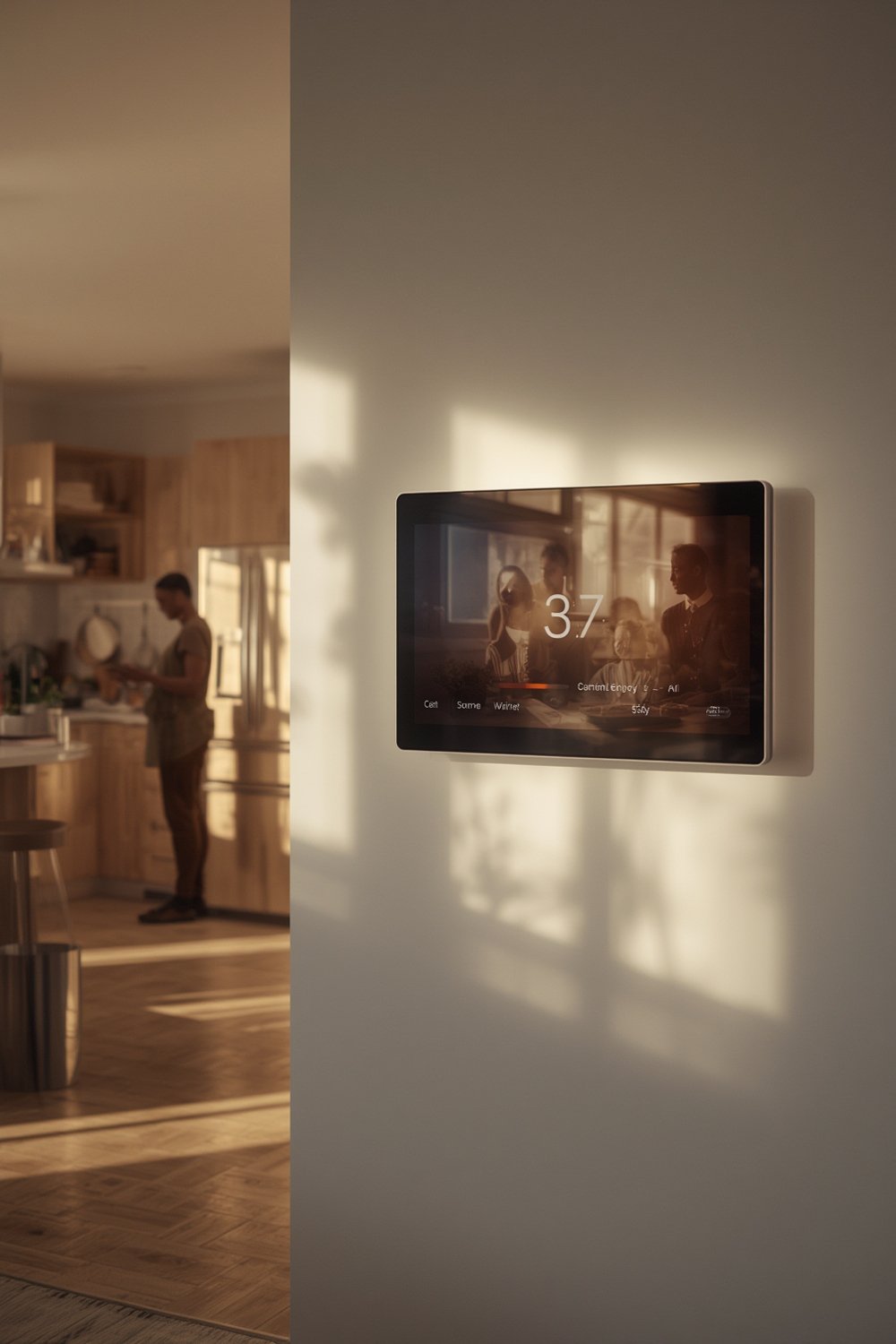
Why does this matter? Research proves smart energy monitors help households save:
- 7-15% average electricity usage reduction after installation, with some users reporting up to 20% savings by actively managing habits (EnergySage).
- 10-15% less on heating and cooling after adjusting HVAC schedules and settings (Grus Blog).
- Immediate appliance-level feedback to eliminate guesswork if your fridge, dryer, or old device is costing you too much.
- Additional 5-10% savings by shifting power use to off-peak hours if your energy provider uses time-based pricing.
Combined with smart thermostats or solar energy systems, smart monitors unlock even more control. If your home’s electricity bill is high, or unpredictable, these devices let you see—and change—exactly where the money goes. For a deeper dive into smart home savings, check our best smart home gadgets guide or our breakdown of how to save electricity at home.
How to Choose and Use a Smart Energy Monitor: Step-by-Step
Making the right choice comes down to understanding what you need, your home’s setup, and what features matter most. Here’s exactly how to get started:
-
Research & Compare Features:
- Real-time monitoring: Essential for instant feedback on energy spikes (Grus Blog).
- appliance detection: Find out if the monitor can identify major appliances, or if you need to buy extra sensors.
- Integration options: Want to connect to solar, Alexa, Google Home, or smart thermostats? Check for compatibility.
- App experience: Look for an interface that shows clear graphs and actionable insights, not just raw numbers.
-
Check Pricing and Subscription Policies:
- Some brands charge a one-time hardware fee (often $80-$350), while others require ongoing app or cloud subscriptions. Check the fine print.
- Examples: Sense Energy Monitor, Emporia Vue, and Grus Home Energy Monitor are popular models worth comparing (source).
-
Plan Safe Installation:
- Some devices require installation by a licensed electrician—especially if they connect inside your breaker panel.
- Choose models with current transformers (CT clamps) for easier, non-invasive installs; follow the manufacturer’s safety instructions.
- If you rent, consider plug-and-play monitors that attach to outlets or use Wi-Fi outlet modules instead of panel-based sensors.
-
Set Up the Mobile App and Connect Wi-Fi:
- Download the app for your phone, set up push notifications, and turn on permissions for best results.
- Be sure Wi-Fi or Ethernet connections are stable near your panel or chosen monitor location.
- If possible, enable automatic software updates in the app for new features and bug fixes.
-
Track, Analyze, and Act on Your Data:
- Look for trends: are power-hungry devices running often at peak rate? Is there a vampire load (devices drawing power even when off)?
- Make changes—switch some usage to off-peak hours, set up routines for major appliances, or unplug high-drain devices when not needed.
- Periodically review monthly and seasonal reports to fine-tune your savings strategy. To level-up, compare with guidance in our ultimate electricity bill reduction checklist.
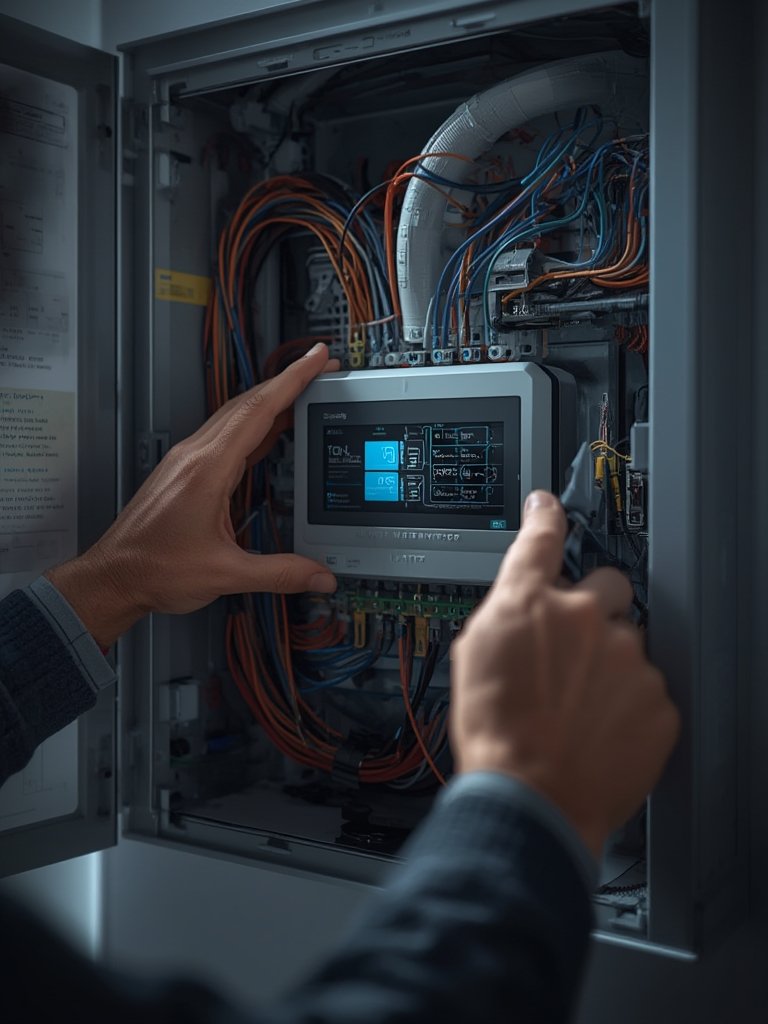
Don’t forget: The real value comes not from installing the device, but from using the insights to create new habits. Even if you only change a few routines (like running laundry off-peak or replacing one old fridge), the savings add up over months.
Advanced Analysis & Common Smart Energy Monitor Pitfalls
While most homeowners report positive outcomes, there are important gaps and challenges you should consider before buying or relying on a smart energy monitor:
| Potential Problem | What It Means | How to Avoid |
|---|---|---|
| Limited App Usability Data | Few independent tests or reviews exist for energy monitor apps, so in-app bugs or poor data presentation may go undiscovered until after purchase. | Download and test the app in demo mode before buying, or search user forums for screenshots and bug discussions. |
| Unknown Pricing & Hidden Fees | Research found no public price lists or clear subscription details for top models. | Contact brands directly, watch for “free trial” terms, and read reviews about long-term subscription changes. See our home electricity monitoring guide for cost-saving tips. |
| Electric Panel Compatibility | Not every home electrical system works with every monitor—older or custom panels may require extra adapters or pro installation. | Confirm the monitor supports your service size, panel brand, and main breaker type before buying. |
| Incomplete Appliance Detection | Some monitors only identify a handful of large appliances—the rest are grouped as “Other”, hiding some savings potential. | Choose a model with advanced detection, or supplement with plug-in sensors for key devices. See our troubleshooting smart devices resource for workaround tips. |
| Lack of User Complaint Data | Unusually, there is almost no public info on common frustrations, negative reviews, or reliability problems for these devices. | Proceed cautiously: purchase from brands with clear return policies and active support forums. |
Another downside: current research provides no in-depth testimonials or before-and-after bill comparisons. Most “proof” comes from theoretical savings or modelled reductions, not individual user stories. Results will depend on how you use the data, how energy-conscious your household is, and if you already practice good energy habits.
If you want verifiable evidence, track your utility bills for at least three months before and after using your monitor. Combine this with seasonal tips from our seasonal home energy saving guide to maximize your household benefit.
Conclusion & Key Takeaways
Smart energy monitors give homeowners direct control over their electricity use, saving 7-15% (or more) with consistent habit change. Despite gaps in independent usability data and pricing, installing a smart energy monitor is a grounded way to reduce energy bills and increase your home’s efficiency.
Ready to join thousands saving money? Start by comparing monitors that match your home, try their apps, and make your first reduction today. For a head start, explore our best home energy tips or reach out for a personalized consultation.
Frequently Asked Questions (FAQ)
How much money do smart energy monitors typically save?
Most studies report users save between 7% and 15% on total electricity, with some careful households achieving up to 20% by actively changing habits.
Does installing a smart energy monitor require an electrician?
Many whole-home models require installation inside the breaker panel, which should only be done by a licensed electrician. Some plug-based or clamp-on models can be self-installed, but always check manufacturer recommendations first.
Can a smart energy monitor identify individual appliances automatically?
Many monitors can spot large appliances (like HVAC units, dryers, or fridges) but may use a generic “Other” category for smaller or less distinct loads. Some models offer more detailed, AI-driven detection.
Is there a monthly fee or subscription for using the app?
Subscription policies vary by brand. Some energy monitors have free basic app access, but premium features or cloud data storage may require a monthly or annual fee. Always confirm before purchasing.
Are smart energy monitors compatible with solar energy systems?
Many leading brands offer models or add-ons for solar tracking and net metering. Check the product’s integration features and compatibility list before buying.